Paying for software before knowing whether it actually works for you can be frustrating. You might like the features on a product page, but after signing up, you may discover that the tool is difficult to use, missing an important feature, or simply not suitable for your workflow.
That is where free trial tools can be useful.
A free trial gives you an opportunity to explore premium software before deciding whether it is worth paying for. You can test the main features, understand how the platform works, and see whether it fits your everyday needs.
From productivity and AI tools to design, marketing, project management, writing, development, and business software, many services offer some form of trial or temporary access.
What Are Free Trial Tools?
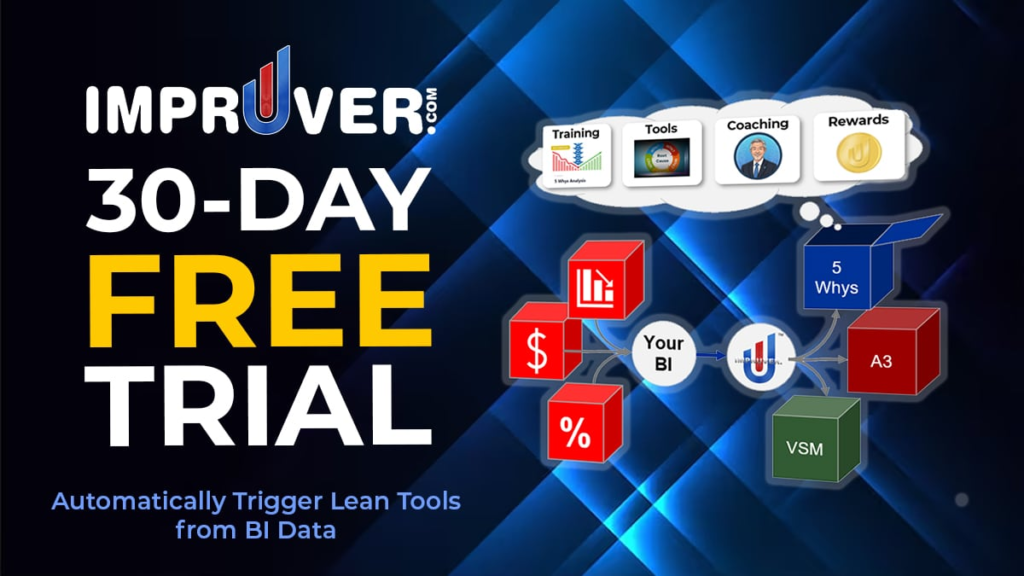
Free trial tools are software products or online services that allow users to access some or all of their paid features for a limited period without immediately purchasing a subscription.
The trial period can vary from one service to another. Some may provide access for a few days, while others may offer longer trial periods or limited free access.
The exact features also differ. A trial might include the complete premium experience, while another may restrict certain features or usage limits.
The main idea is simple: try the software before committing to a paid plan.
Why Try Software Before Paying?
Choosing software is often more complicated than it looks.
Two tools may offer similar features but feel completely different when you actually use them. One may have a simple interface, while another may take more time to learn.
A free trial gives you the chance to find out things that a feature list cannot always explain.
During a trial, you can check:
- How easy the software is to use
- Whether the features work as expected
- How well it fits your workflow
- Whether performance is reliable
- What limitations apply
- Whether the paid plan offers enough value for your needs
This can make the decision more practical.
Types of Free Trial Tools
Free trials are available across many areas of software.
AI Tools
AI platforms may offer trial access to writing, research, image generation, automation, coding, or other AI-powered features.
Testing an AI tool can help you understand the quality of its output and whether it is useful for the tasks you actually perform.
Productivity Tools
Productivity software may include tools for task management, note-taking, calendars, collaboration, time management, and workflow organization.
A trial can help you determine whether the tool makes your work easier or simply adds another system to manage.
Design Tools
Design platforms often include features for creating graphics, presentations, images, videos, and other visual content.
Trying premium features can help you decide whether they are useful for your creative projects.
Marketing Tools
Marketing software can include SEO tools, analytics platforms, social media management tools, email marketing services, keyword research tools, and campaign platforms.
Because these tools can have different interfaces and reporting systems, testing them before paying can be particularly helpful.
Project Management Software

Teams often use project management tools to organize tasks, deadlines, communication, and workflows.
A trial can help a team understand whether the software works well for its size and working style.
Writing Tools
Writing platforms may offer grammar checking, editing, content organization, AI assistance, or other writing features.
Trying the premium version can show whether the additional features are actually useful compared with free alternatives.
Developer Tools
Developers can find trials for coding platforms, hosting services, testing tools, APIs, databases, and other technical products.
Before subscribing, it is worth checking usage limits and technical compatibility.
Free Trial vs Free Plan
A free trial and a free plan are not always the same thing.
A free trial usually provides access to premium features for a limited period.
A free plan may remain available indefinitely but include fewer features, usage limits, or restrictions.
For example, a service could offer a 14-day premium trial and then move the user to a limited free plan after the trial ends.
Understanding this difference can help you know what will happen after the trial period.
What to Check During a Free Trial
It can be tempting to explore random features simply because they are available. Instead, use the trial to test the things you actually need.
Test Your Main Workflow
Try using the software for a real task rather than only clicking through the interface.
If you are considering a project management tool, create a small project. If you are testing a writing tool, use it with your actual writing workflow.
Check Important Features
Make sure the features you need are available during the trial.
Some platforms may advertise a large number of features but restrict certain functions to higher-priced plans.
Look at Usage Limits
Check whether there are limits on storage, exports, AI generations, users, projects, API calls, or other usage.
Test Performance
A tool should not only have useful features. It should also work reliably enough for your needs.
Explore Integrations
If you already use other software, check whether the trial tool can connect with those platforms.
Integrations can make a significant difference when building a regular workflow.
Be Careful With Automatic Renewals
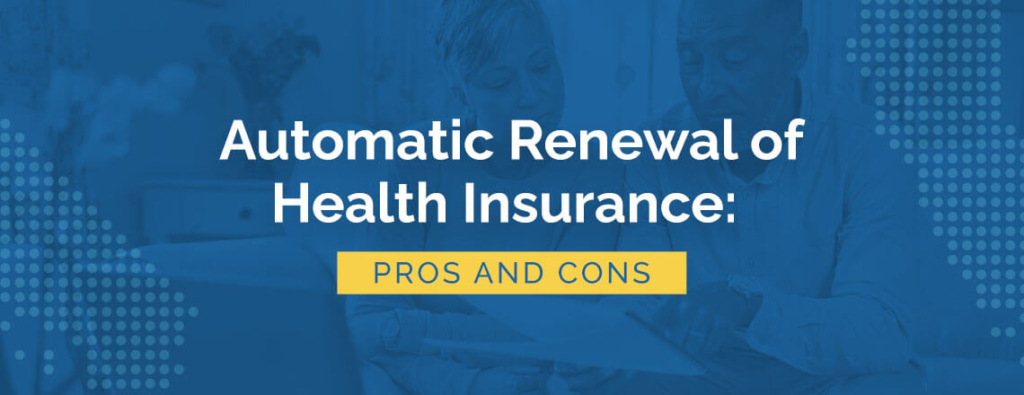
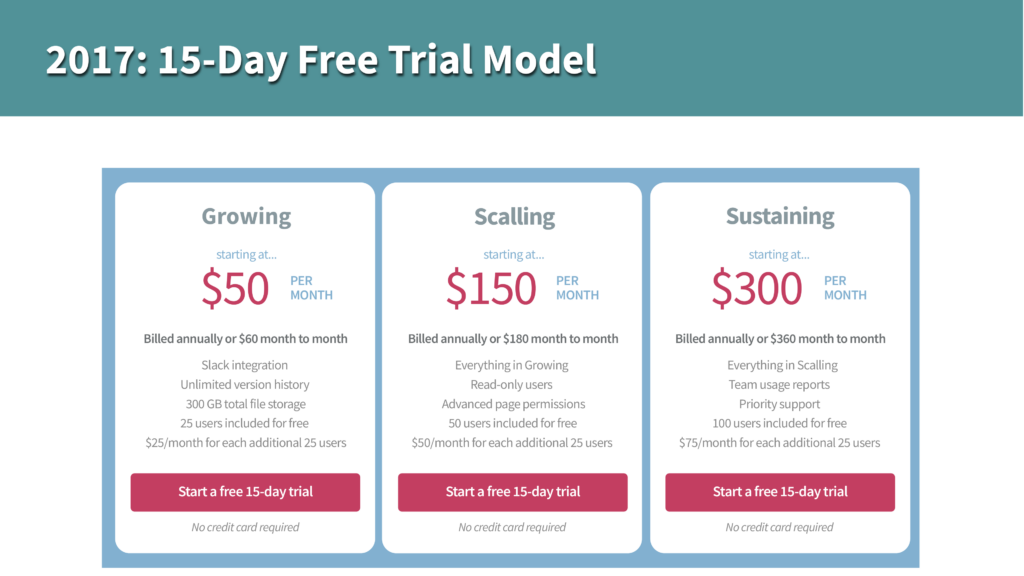
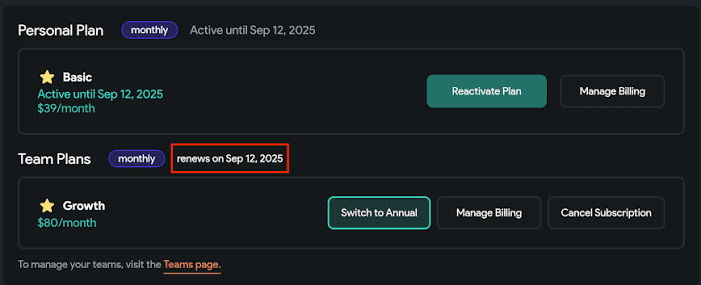
One of the most important things to check before starting a free trial is what happens when the trial ends.
Some services automatically move users to a paid subscription unless the subscription is cancelled before the trial period finishes.
Before starting a trial, check:
- Trial duration
- Renewal date
- Subscription price
- Cancellation process
- Payment requirements
- Refund policy
- Plan selected after the trial
If a payment method is required, keep track of the trial end date.
How to Get More From a Free Trial
A short trial can pass quickly, especially if you sign up for several tools at the same time.
A simple approach is to decide what you want to test before starting.
For example:
- Identify the problem you want to solve.
- Choose a relevant tool.
- Start the free trial.
- Use it for real tasks.
- Test the features you care about.
- Compare it with your current solution.
- Check the paid pricing.
- Decide whether continued use makes sense.
This prevents the trial from becoming nothing more than a quick tour of the software.
Compare the Paid Plan Before You Subscribe
A free trial only tells you whether you like the software. You still need to understand whether the paid plan makes sense financially.
Look at the complete pricing structure.
Check whether the service charges monthly or annually, whether different plans have different limits, and which features are included at each level.
Also consider how often you will actually use the tool.
A tool that saves you significant time every week may justify its subscription more easily than one you would only use once a month.
Free Trials for Students and Professionals
Different users may have different reasons for trying premium software.
Students may want to test productivity, learning, writing, design, or research tools before spending money.
Freelancers may use trials to evaluate client-management, design, writing, marketing, or project-management platforms.
Businesses may test software with their teams before introducing it into a larger workflow.
The right choice depends on the actual task, budget, and frequency of use.
Free Trial Tools for Teams
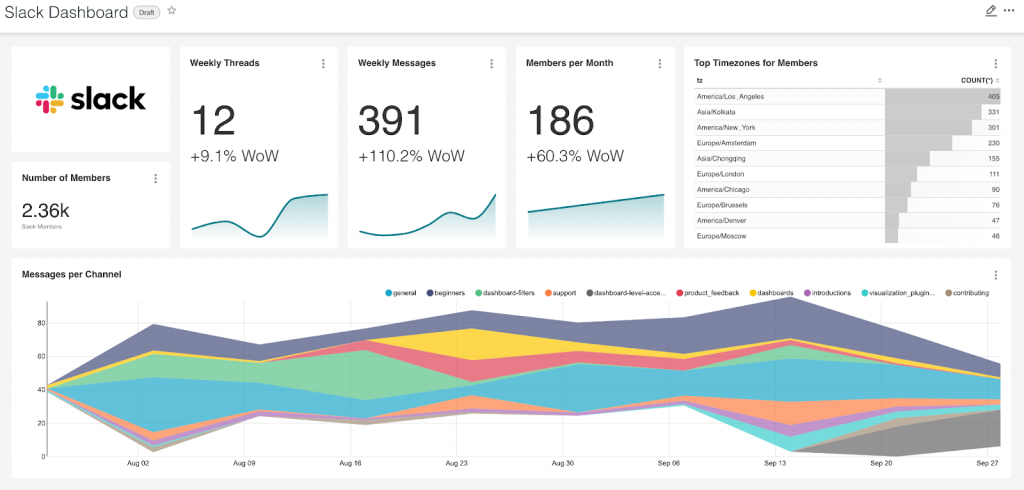
A team should evaluate more than individual features.
When testing software with multiple people, consider:
- Number of users
- Collaboration features
- Permissions
- File sharing
- Administration controls
- Integrations
- Data security
- Support options
- Pricing at scale
A tool that works well for one person may not necessarily work as well for an entire team.
Common Free Trial Mistakes
Free trials are useful, but there are a few common mistakes worth avoiding.
Starting Too Many Trials
Signing up for several trials at once can make it difficult to properly test any of them.
Forgetting the End Date
A missed cancellation date can result in an unexpected charge.
Testing Without a Real Goal
Simply exploring menus does not tell you whether the software will actually improve your workflow.
Ignoring the Paid Price
A tool may be useful during a free trial but too expensive for regular use.
Not Checking Restrictions
Some trials have limits on exports, storage, users, or other important features.
When a Free Trial May Not Be Necessary
Not every software purchase requires a trial.
If you already know the product well, have used it before, or only need a very simple feature that is available through a free alternative, starting a trial may not add much value.
Similarly, if a free tool already solves your problem, paying for a premium service may not be necessary.
The purpose of a free trial is to help you make a more informed decision, not to encourage unnecessary subscriptions.
A Simple Checklist Before Starting a Trial
Before clicking the sign-up button, check these details:
| What to Check | Why It Matters |
|---|---|
| Trial length | Helps you know how much time you have |
| Features included | Shows what you can actually test |
| Payment details | Tells you whether a card is required |
| Renewal price | Helps you understand future costs |
| Cancellation rules | Makes it easier to avoid unwanted charges |
| Usage limits | Shows whether the trial fits your needs |
| Data policies | Important when uploading personal or business information |
| Support | Useful if you need help during the trial |
Taking a few minutes to check these details can make the trial experience much easier.
Best Productivity Tools 2026: Work Smarter & Save Time
Staying productive in a world full of notifications, deadlines, meetings, and digital distractions can be…
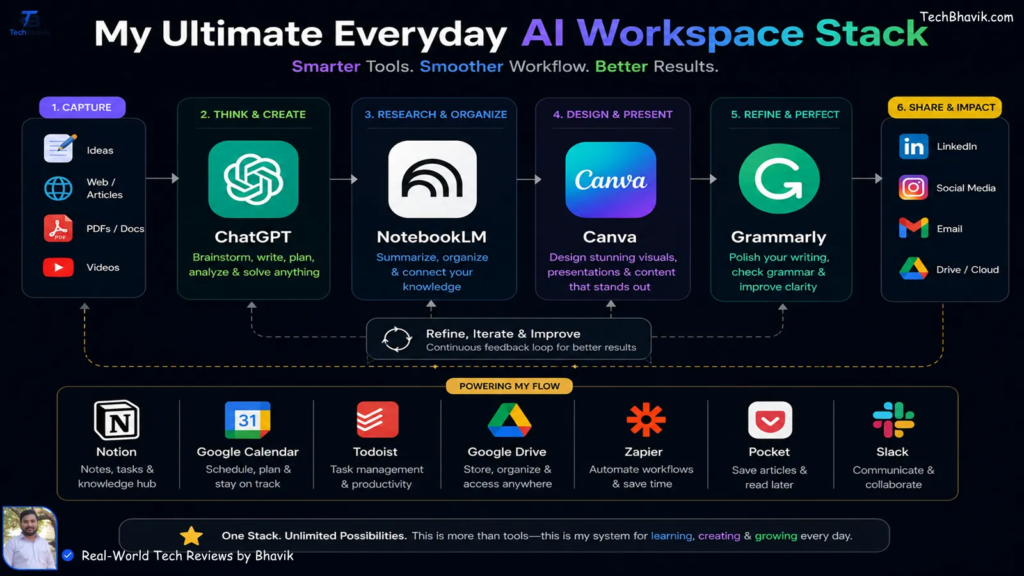
Best Free Trial Tools 2026: Try Premium Software for Free
Paying for software before knowing whether it actually works for you can be frustrating. You…

Best Meeting & Presentation Tools for Better Work in 2026
Meetings are a normal part of working life, but nobody enjoys a meeting that could…
Best Tools for Developers in 2026: Top Software & Ratings
Let’s be honest for a second. If you spend five minutes on Tech Twitter, Reddit,…

Best Team Collaboration Tools in 2026 for Better Teamwork
Let’s be honest about the modern workplace. “Working together” sounds great on paper until you…

Best Productivity Tools 2026: Compare Top Apps & Features
The user is asking for “fully huamnsed blog content and add human words” on top…