

Productivity tools have become an essential part of modern work and daily life. Whether you’re managing projects, organizing tasks, taking notes, scheduling meetings, or collaborating with a team, the right productivity software can save time and improve efficiency. Today, there are hundreds of productivity tools available, ranging from completely free applications to feature-rich premium platforms. This variety gives users plenty of choices, but it also raises an important question: should you use a free tool or invest in a paid one?
The answer depends on your goals, budget, and the type of work you do. Free productivity tools are perfect for individuals, students, and small teams with basic requirements, while paid tools often include advanced features, better collaboration, enhanced security, and dedicated customer support. In this guide, we’ll compare free and paid productivity tools, explore their advantages and limitations, and help you determine which option offers the best value in 2026.
Understanding Productivity Tools
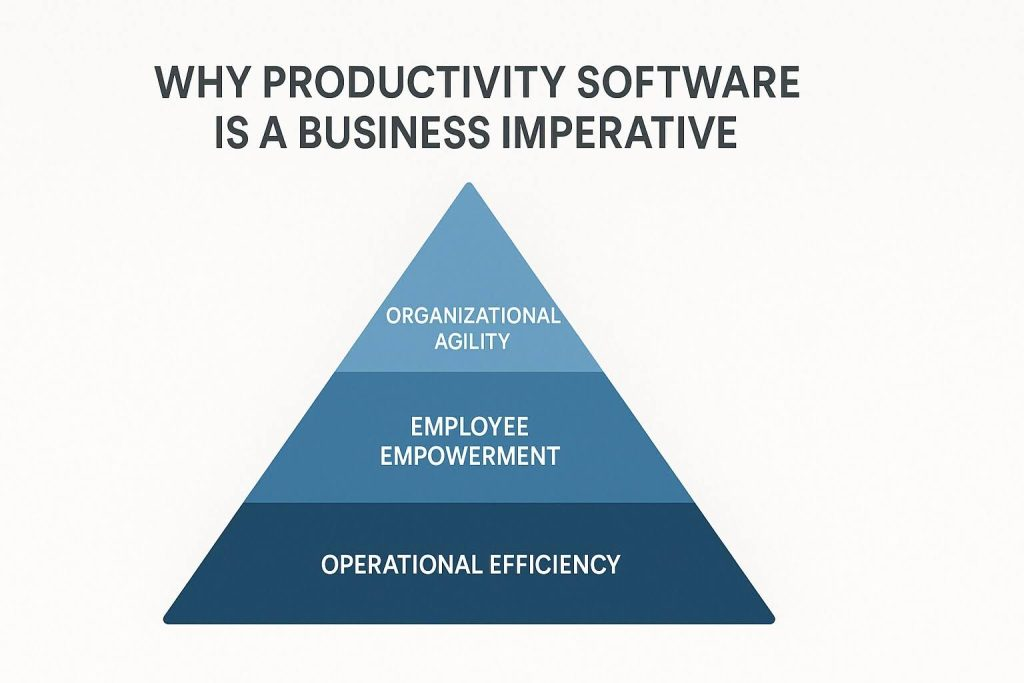
Productivity tools are software applications designed to help users organize work, manage time, communicate effectively, and complete tasks more efficiently. They reduce manual effort by automating repetitive activities and keeping important information organized in one place.
From simple to-do list apps to advanced project management platforms, productivity tools support individuals, freelancers, businesses, and large organizations. They make it easier to stay focused, track progress, and achieve personal or professional goals.
Why Productivity Tools Are Important
Managing multiple responsibilities without proper organization can quickly become overwhelming. Productivity tools help users prioritize tasks, schedule deadlines, monitor progress, and collaborate with others without confusion.
They also reduce the chances of missing important deadlines or forgetting essential tasks. Whether you’re studying for exams, managing clients, or leading a business team, these tools help create a more organized and productive workflow.
Free Productivity Tools Explained

Free productivity tools provide essential features without requiring a subscription. They are an excellent starting point for users who want to improve organization without increasing expenses.
Most free tools include task management, note-taking, calendars, reminders, file storage, and basic collaboration features. Although they may have certain limitations, they are often more than enough for personal use or small projects.
Benefits of Free Productivity Tools
Free productivity software offers several advantages, especially for beginners and individuals working independently.
Some key benefits include:
- No subscription cost
- Easy to start using
- Ideal for students and freelancers
- Basic collaboration features
- Mobile accessibility
- Simple user interfaces
- Regular software updates
- Perfect for learning productivity habits
These advantages make free tools an excellent option for users with limited budgets.
Cost vs Value: Looking Beyond the Price

Many people choose a productivity tool based solely on its price, but the real value comes from how much time and effort it saves. A free tool may seem like the best option initially, but if it lacks features that improve efficiency, it could end up costing more in lost productivity. On the other hand, a paid tool can be a worthwhile investment if it helps you complete tasks faster, automate repetitive work, and collaborate more effectively.
Before making a decision, consider how often you’ll use the tool and whether its premium features will genuinely improve your workflow. Sometimes paying a small monthly fee can provide significant long-term benefits.
Scalability for Growing Teams
As your team or business grows, your productivity needs will change. A tool that works well for one or two users may struggle to support a larger team with multiple projects and departments. Paid productivity tools are usually designed to scale, allowing you to add users, create departments, assign permissions, and manage increasingly complex workflows.
Choosing software that grows with your business helps you avoid the inconvenience of switching platforms later. Scalability is especially important for startups and businesses planning long-term expansion.
Limitations of Free Productivity Tools

Although free tools are useful, they often include restrictions designed to encourage users to upgrade to premium plans.
Common limitations include:
- Limited storage space
- Restricted integrations
- Fewer automation options
- Smaller team support
- Basic reporting
- Limited customization
- Advertisements in some apps
- Slower customer support
These restrictions may become noticeable as your workload or team grows.
Paid Productivity Tools Explained
Paid productivity tools are designed for professionals, growing businesses, and organizations that require advanced functionality. Monthly or annual subscriptions provide access to premium features that improve collaboration, automation, reporting, and security.
For teams managing complex projects or multiple clients, investing in premium software often leads to better organization and higher overall productivity.
Advantages of Paid Productivity Tools
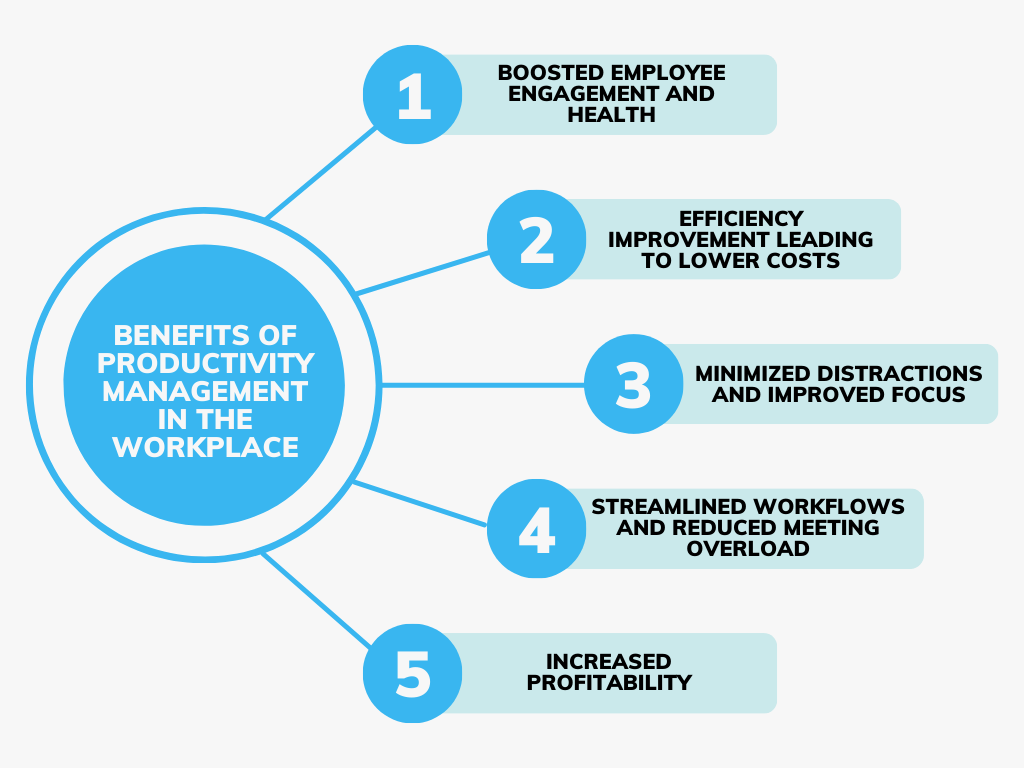
Premium software offers a wider range of features that simplify project management and team collaboration.
Some major advantages include:
- Advanced project management
- Workflow automation
- Larger cloud storage
- Real-time collaboration
- Detailed reporting
- Priority customer support
- Enhanced security
- Third-party integrations
- Custom dashboards
- AI-powered productivity features
These tools are designed to save time while improving workflow across entire organizations.
Free vs Paid Productivity Tools Comparison
| Feature | Free Productivity Tools | Paid Productivity Tools |
|---|---|---|
| Cost | No subscription required | Monthly or yearly subscription |
| Features | Basic functionality | Advanced productivity features |
| Storage | Limited | Large or unlimited storage |
| Team Collaboration | Basic | Advanced collaboration and permissions |
| Automation | Limited | Powerful workflow automation |
| Integrations | Few options | Wide range of third-party integrations |
| Customer Support | Community or email support | Priority and dedicated support |
| Security | Standard protection | Advanced security and compliance |
| Best For | Students, freelancers, personal use | Businesses, remote teams, enterprises |
Which Option Is Better for Students?
Students usually don’t need expensive productivity software. Free tools provide everything required for managing assignments, taking notes, organizing study schedules, and collaborating on group projects.
However, students working on research projects or advanced academic work may benefit from premium features like additional cloud storage and enhanced collaboration.
Choosing the Right Tool for Freelancers

Freelancers often start with free productivity applications while building their businesses. As client numbers increase, upgrading to a paid plan becomes beneficial because it provides better organization, invoicing integrations, workflow automation, and improved project tracking.
Selecting a tool that can grow alongside your business helps avoid switching platforms later.
Productivity Tools for Businesses
Businesses require reliable collaboration, project tracking, reporting, and security. Paid productivity tools help managers assign tasks, monitor deadlines, generate reports, and keep teams connected regardless of location.
Investing in professional software often improves communication, reduces delays, and increases overall efficiency.
Security Considerations
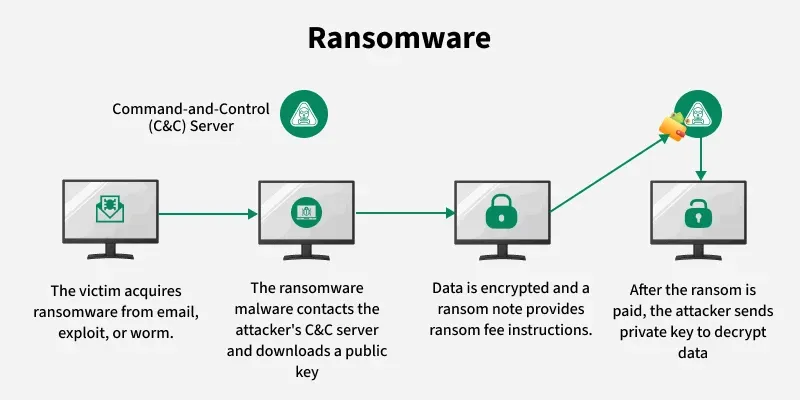
Security becomes increasingly important as businesses store sensitive information online. Paid productivity platforms usually offer stronger encryption, user permissions, multi-factor authentication, and compliance with industry standards.
Free tools still provide good protection for personal use, but organizations handling confidential information often prefer premium security features.
How AI Is Improving Productivity Tools
Artificial intelligence is transforming productivity software by automating repetitive tasks and improving decision-making. AI can summarize meetings, prioritize work, schedule appointments, organize emails, and generate reports automatically.
Both free and paid tools are gradually introducing AI features, although premium plans often provide more advanced capabilities.
How to Decide Between Free and Paid Tools

Choosing the right productivity tool starts with understanding your needs. If you only need basic task management and note-taking, free software will likely meet your expectations. If you manage teams, coordinate multiple projects, or require detailed reporting, premium software may provide better long-term value.
Before purchasing a subscription, take advantage of free trials to explore different platforms. Comparing usability, features, pricing, and customer support helps you make an informed decision.
Future of Productivity Software
Productivity software continues evolving with cloud computing, artificial intelligence, and workflow automation. Future platforms will become even smarter by predicting workloads, automating scheduling, improving collaboration, and integrating seamlessly with business applications.
Whether free or paid, productivity tools will continue helping users work more efficiently while reducing manual effort.