The modern study routine looks completely different than it did just a few years back. You can record a live lecture, turn your messy handwritten scribbles into structured revision guides, drill a new language during your morning Education commute, or ask an AI tutor to break down complex physics down to ELI5 (“Explain Like I’m 5”) terms.
Tools Spark Ai
However, EdTech has gotten noisy. App stores are flooded with shiny tools promising instant top grades—yet half of them just sit on your home screen wasting battery.
The truly great education apps aren’t the ones with the flashiest marketing; they’re the tools that slot naturally into your daily flow to save time, reduce academic stress, and help you remember what you actually learned.
The 2026 App Ecosystem: At a Glance
| Your Goal | Look For | Top Tool Pick | Why It Works |
|---|---|---|---|
| Pass exams & memorize | Spaced repetition, smart flashcards | Quizlet | Automated decks from raw class notes |
| Master core subjects | Free, zero-fluff video courses & practice | Khan Academy | No paywalls, reliable mastery tracking |
| Build language habits | Bite-sized lessons, streak gamification | Duolingo | Keeps you consistent with micro-learning |
| Organize class chaos | Multi-media note organization | OneNote | Acts like a digital binder that never loses loose papers |
| Solve math step-by-step | Camera scanning, algorithmic steps | Photomath (by Google) | Explains the why behind calculations |
| Polish academic writing | Contextual editing, tone adjustment | Grammarly | Real-time proofreading without killing your voice |
| Upskill professionally | Accredited certifications, lab projects | Coursera | Direct access to real university modules |
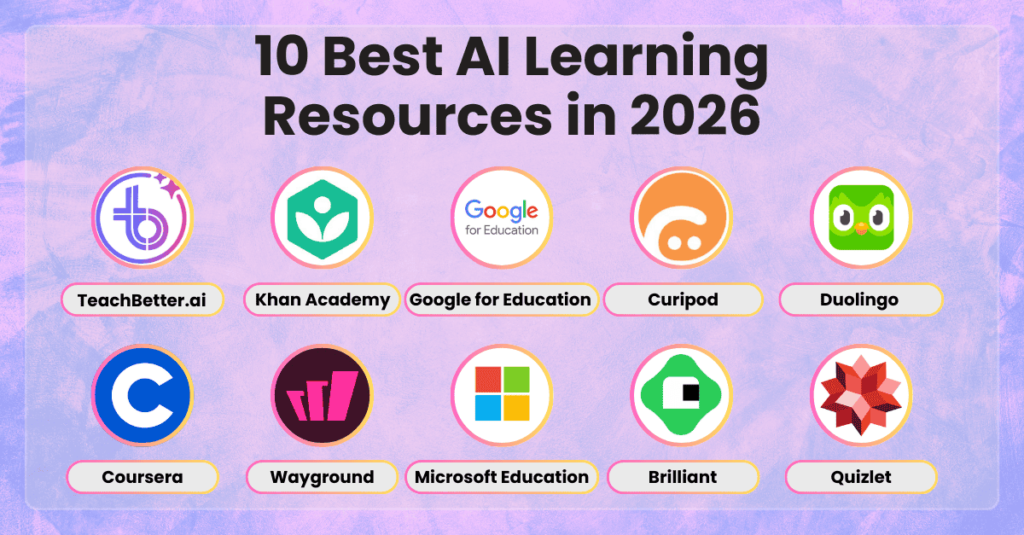
10 Education Apps Worth Your Time in 2026
1. Khan Academy: The Undisputed King of Free Learning
If you are struggling with organic chemistry or high school algebra at 11 PM, Khan Academy is still the ultimate safety net. It remains 100% free with no annoying paywalls. The platform breaks down complex topics into digestable, 10-minute video clips accompanied by practice problems that track your exact skill gaps.
- Best for: K-12 and college students needing crystal-clear math and science tutorials.
- Pro Tip: Don’t just watch the videos. Skip straight to the topic unit tests first; only watch the clips for questions you miss.
2. Quizlet: Automated Flashcards & Active Recall
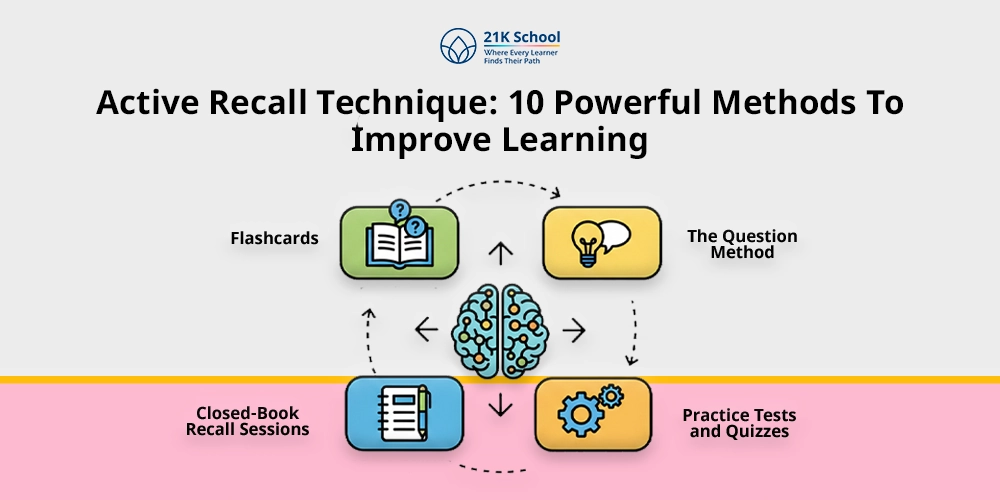
Quizlet has moved far beyond basic digital index cards. Powered by smart spaced-repetition algorithms, it actively predicts when your brain is about to forget a term and resurfaces it right on schedule. Features like Magic Notes let you paste a messy lecture PDF, turning it into practice tests and flashcards instantly.
AtomiSystems+ 1
- Best for: Rapid memorization, vocabulary, and mid-term exam revision. Tools Spark Ai
- Real-World Reality: Avoid relying exclusively on auto-generated decks without double-checking key definitions.
3. Google Classroom: The Digital Homework Hub
It won’t win design awards, but Google Classroom is the glue holding modern education together. It consolidates assignment dropboxes, teacher announcements, slide decks, and deadlines into one stream.
- Best for: Teachers running streamlined digital classrooms and students keeping track of assignments.
4. Microsoft OneNote: The Infinite Digital Notebook
Unlike traditional word processors, OneNote acts like an open canvas. You can type notes on the left, drop an annotated diagram in the middle, record audio from a professor’s lecture on the right, and sketch math formulas using a stylus anywhere on the page.
- Best for: Visual note-takers and multi-subject organization.
5. Photomath (by Google): Step-by-Step Problem Solving
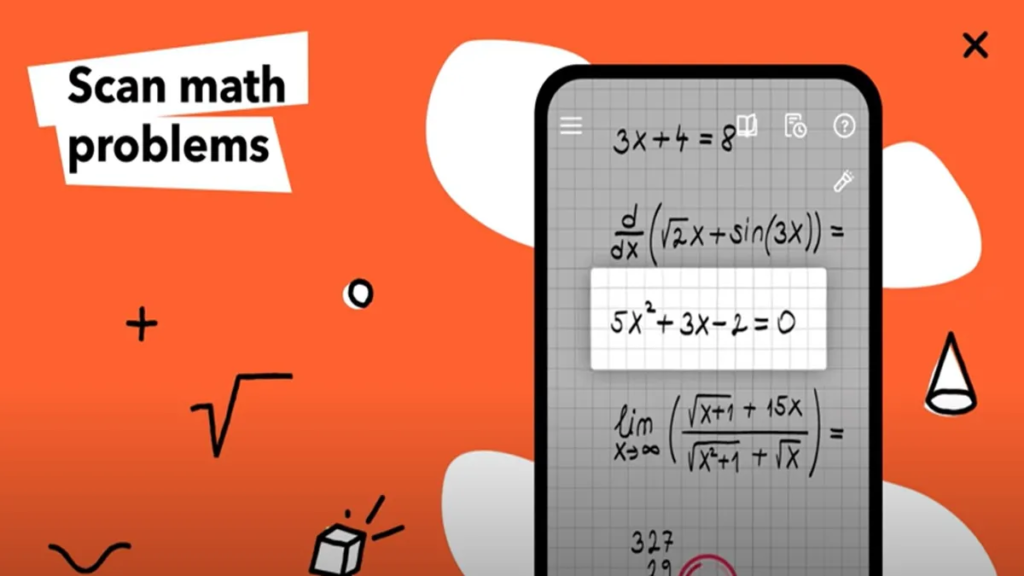
Now part of Google’s education ecosystem, Photomath lets you snap a picture of any handwritten or printed math problem. Instead of simply blurting out the final number, it walks you through every algebraic step, equation transformation, and graph shift.
India.com
- Best for: Unstucking yourself during solitary math homework sessions. India.com
- Reality Check: Treating it as a copy-paste cheat code destroys your actual test prep. Use it strictly to verify steps after attempting the problem yourself.
6. Duolingo: Micro-Learning That Sticks
Duolingo turns language acquisition into an addictive daily game. By breaking grammar and vocabulary down into 5-minute interactive chunks, it relies on psychological habit loops (streaks, points, and leaderboards) to keep you coming back every single day.
- Best for: Beginners laying down initial vocabulary in a new language.
7. Grammarly: Your Personal Copy Editor
Grammarly works silently across your browser, text editor, and email apps. Beyond catching basic typos, it catches passive voice overuse, confusing sentence structures, and unintended tones in your essays and emails.
- Best for: Students writing research papers, essays, or professional email correspondence.
8. Coursera: University-Grade Learning Anywhere
Coursera partners with institutions like Stanford, Yale, and Google to bring real college-level courses right to your screen. You can audit most courses completely for free, or pay for verified certificates to build out your resume.
- Best for: Deep skill-building in tech, data science, business, and humanities.
9. edX: Professional & Academic Specializations
Much like Coursera, edX provides structured university courses from institutions like MIT and Harvard. It excels in rigorous STEM disciplines, computer science pathways, and professional certificate programs.
- Best for: University students and professionals looking for specialized academic credentials.
10. Generative AI Tools (ChatGPT, Claude, Gemini): The On-Demand Tutor
AI is no longer an experimental gimmick in education; it is a fundamental study partner. Modern students use AI models to act as conversational tutors—asking them to “explain quantum entanglement like I’m 12” or “generate a 10-question practice quiz based on my notes.”
AtomiSystems
- Best for: Personalized explanations, custom practice quizzes, and brainstorm support. Tools Spark Ai
Realistic Workflows: Building a Simple Tech Stack
One common trap students fall into is downloading dozens of study apps, spending more time customizing their tools than actually studying. Keep your setup minimal based on your role:
[ Student Stack ]  ➔ One Note App (OneNote) + One Revision App (Quizlet) + One Practice App (Photomath)
[ Teacher Stack ]  ➔ One Classroom Hub (Google Classroom) + One Assessment App (Quizlet Live)
For Students: The “3-App Rule”
Stick to maximum three core apps per term:
- Input: Microsoft OneNote (for capturing lectures).
- Processing: Quizlet (for turning notes into daily flashcards). Tools Spark Ai
- Tutoring: Khan Academy or Photomath (for filling knowledge gaps). India.com
For Educators: Streamlining the Admin Burden
Teachers don’t need fancy tools; they need apps that refund their personal time. Google Classroom eliminates manual assignment distribution, while interactive options like Quizlet Live turn routine reviews into collaborative group games that grade themselves in real time.
AtomiSystems
How AI is Transforming EdTech
Educational tools are moving away from generic material toward personalized learning pathways.
Instead of showing every student the exact same textbook chapter, modern tools analyze where a student struggles. If you repeatedly get fraction-multiplication questions wrong on a practice quiz, the app won’t just mark it wrong—it will pause, adjust the difficulty, and present an alternate visual explanation tailored to your specific mistake pattern.
A Note on AI Verification: AI models can occasionally sound completely confident while being factually wrong. Use AI tools to explain concepts, but double-check specific dates, formulas, and historical claims against verified textbooks or reliable academic databases.