
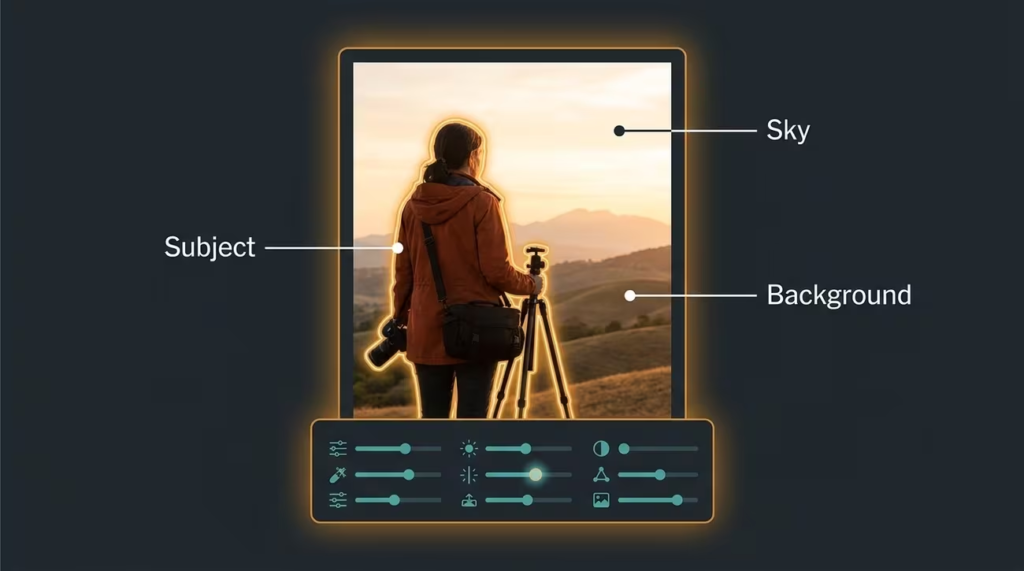
Photo editing has become an essential skill in today’s digital world. Whether you are a content creator, social media user, photographer, student, blogger, or business owner, editing photos can help you create more attractive and professional-looking images. In 2026, photo editing is easier and more accessible than ever thanks to advanced software, mobile apps, and artificial intelligence-powered tools.
Many beginners believe that photo editing is complicated and requires years of experience. However, modern editing tools are designed to be user-friendly and offer powerful features that help users improve images with just a few clicks. From adjusting brightness and colors to removing unwanted objects and enhancing image quality, photo editing allows anyone to transform ordinary photos into visually appealing content.
Learning the basics of photo editing can improve the quality of personal photos, social media posts, marketing materials, and professional projects. Understanding fundamental editing techniques also helps users develop a creative eye and produce content that stands out in a crowded digital landscape.
This guide covers the essential aspects of photo editing that every beginner should know in 2026.
Essential Photo Editing Features
| Feature | Purpose |
| Brightness Adjustment | Improves image lighting |
| Contrast Control | Enhances image depth |
| Color Correction | Makes colors look natural |
| Cropping | Improves composition |
| Retouching | Removes imperfections |
Understanding the Basics of Photo Editing
Before making any edits, it is important to understand the purpose of photo editing. The goal is not always to completely change an image but to improve its overall appearance while maintaining a natural look.
Good editing enhances image quality, improves clarity, corrects lighting issues, and highlights important details. Beginners should focus on simple adjustments before exploring advanced effects and creative techniques.
Learning the fundamentals provides a strong foundation for developing more advanced editing skills in the future.
Choosing the Right Photo Editing Software

The first step in photo editing is selecting software that matches your needs and experience level.
Many modern editing programs offer beginner-friendly interfaces while providing professional-quality tools. Some applications focus on quick edits for social media content, while others support advanced editing for photography and design projects.
When choosing software, users should consider ease of use, available features, performance, and compatibility with their devices.
The best editing software is one that allows users to achieve their goals without unnecessary complexity.
Adjusting Brightness and Exposure
One of the most common photo editing tasks is correcting brightness and exposure.
Photos can sometimes appear too dark or too bright due to lighting conditions during capture. Exposure adjustments help balance the overall lighting and make important details more visible.
Proper brightness levels improve image quality and make photos more visually appealing.
Beginners should make small adjustments rather than dramatic changes to maintain a natural appearance.
Balanced lighting is often one of the biggest factors in creating professional-looking images.
Improving Contrast for Better Depth

Contrast controls the difference between light and dark areas within a photo. Increasing contrast can make images appear sharper and more dynamic, while reducing contrast creates a softer appearance.
Proper contrast helps important elements stand out and adds visual depth to photographs. Beginners should avoid excessive contrast adjustments because they can make images look unnatural.
Finding the right balance is essential for achieving professional results.
Color Correction and Enhancement
Color plays a major role in how viewers perceive an image.
Sometimes photos may have color imbalances caused by lighting conditions or camera settings. Color correction helps restore natural tones and improve overall visual quality.
Your Attractive Heading

Enhancing colors can make landscapes more vibrant, portraits more attractive, and products more appealing.
Careful color adjustments create realistic and engaging images without appearing overly edited.
Understanding color balance is an important skill for every photo editor.
Cropping for Better Composition
Cropping is one of the simplest yet most powerful editing techniques. It allows users to remove distractions, improve framing, and emphasize the most important parts of an image. A well-cropped photo often appears more professional and visually balanced.
Cropping can also help optimize images for social media platforms, websites, and marketing materials.
Learning basic composition principles can significantly improve editing results.
Retouching and Removing Imperfections
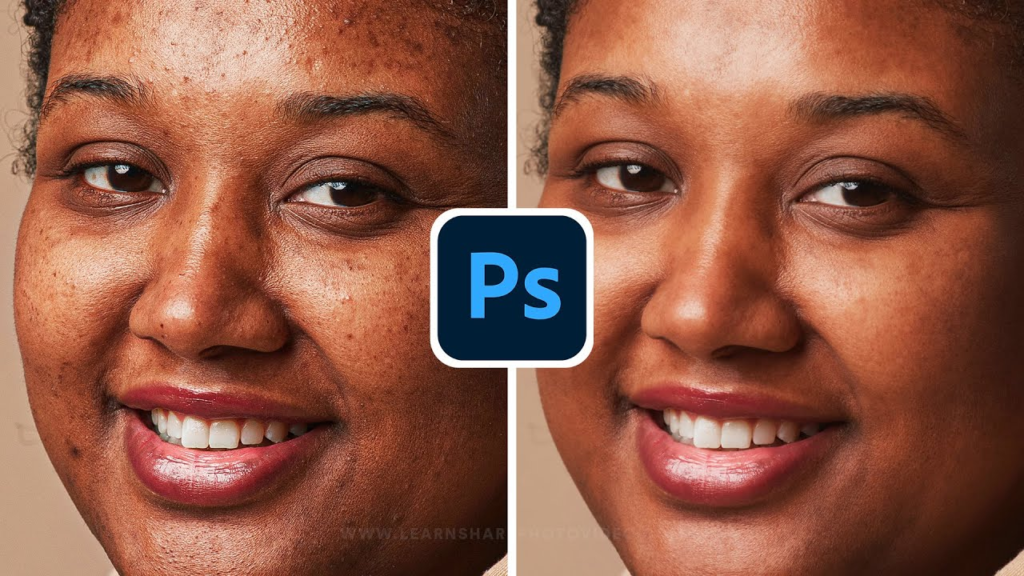
Retouching helps improve image quality by removing unwanted elements and minor imperfections. This may include eliminating blemishes, dust spots, background distractions, or small objects that affect the image. Modern editing tools make retouching easier than ever, even for beginners.
The key is to make subtle adjustments that preserve a natural appearance.
Over-editing can reduce image authenticity and negatively affect visual appeal.
Using Filters and Presets Wisely
Filters and presets have become popular because they provide quick visual enhancements. These tools can instantly change the mood, color tone, and style of a photo. While filters can save time, beginners should avoid relying on them exclusively.
Understanding manual adjustments helps develop editing skills and provides greater creative control.
Filters should complement good editing practices rather than replace them.
Artificial Intelligence in Photo Editing
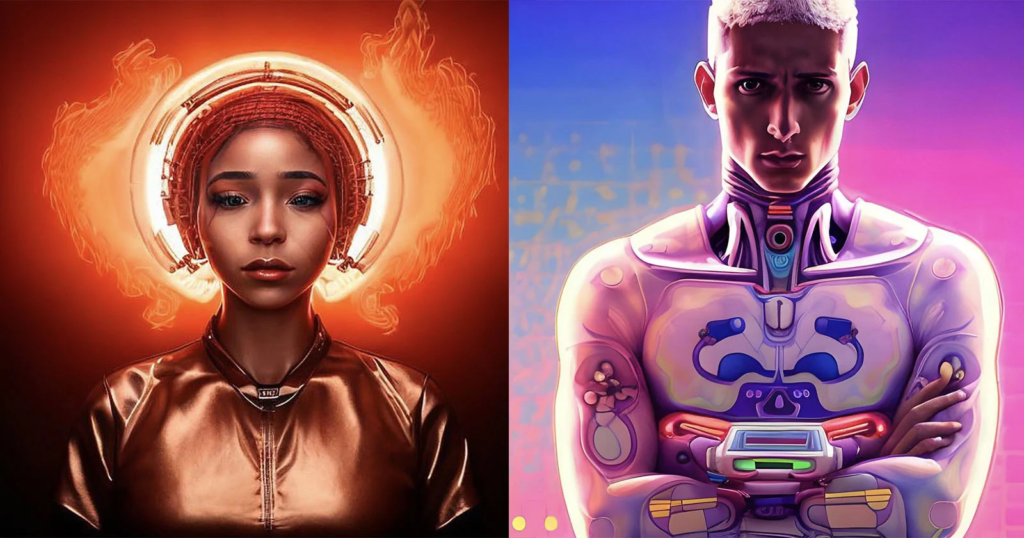
Artificial intelligence has transformed photo editing in recent years. AI-powered tools can automatically enhance images, remove backgrounds, improve lighting, sharpen details, and suggest editing improvements. These features simplify complex editing tasks and make professional-quality results accessible to beginners. AI technology saves time while helping users achieve impressive outcomes with minimal effort.
As technology continues to evolve, AI will play an even larger role in the future of photo editing.
Editing Photos for Social Media
Social media platforms place significant emphasis on visual content. Well-edited images attract more attention, improve engagement, and strengthen personal or business branding. When editing photos for social media, users should focus on clarity, color balance, composition, and consistency. Creating a recognizable visual style helps build a stronger online presence.
High-quality images can significantly improve content performance across digital platforms.
Developing Your Editing Skills

Photo editing is a skill that improves through practice and experimentation. Beginners should spend time learning different tools, testing techniques, and studying successful examples. Each editing project provides opportunities to understand composition, lighting, color theory, and visual storytelling.
Patience and consistency are essential for mastering photo editing. The more experience users gain, the more confident and creative they become.
Pros and Cons of Photo Editing
| Pros | Cons |
| Improves image quality | Learning curve for beginners |
| Enhances visual appeal | Advanced software can be expensive |
| Supports creative expression | Over-editing can reduce authenticity |
| Helps build professional content | Editing may require time and practice |
| Increases social media engagement | Large files can require more storage |
| Creates better marketing materials | Some tools need powerful devices |